Contain the change
The child theme loads after Tor Workshop’s existing stylesheet. Every rule is scoped to .viewport-study; the parent theme files stay untouched.
Fictional repair study · real WordPress runtime
A reversible responsive CSS patch for a fictional bicycle workshop page. One scoped child theme addresses card overflow, a long reference URL, crowded actions and a wide pricing table.
Explore the viewport comparisonThe page shown here is a case-study frontend. The WordPress demo is local and is not hosted with this page.
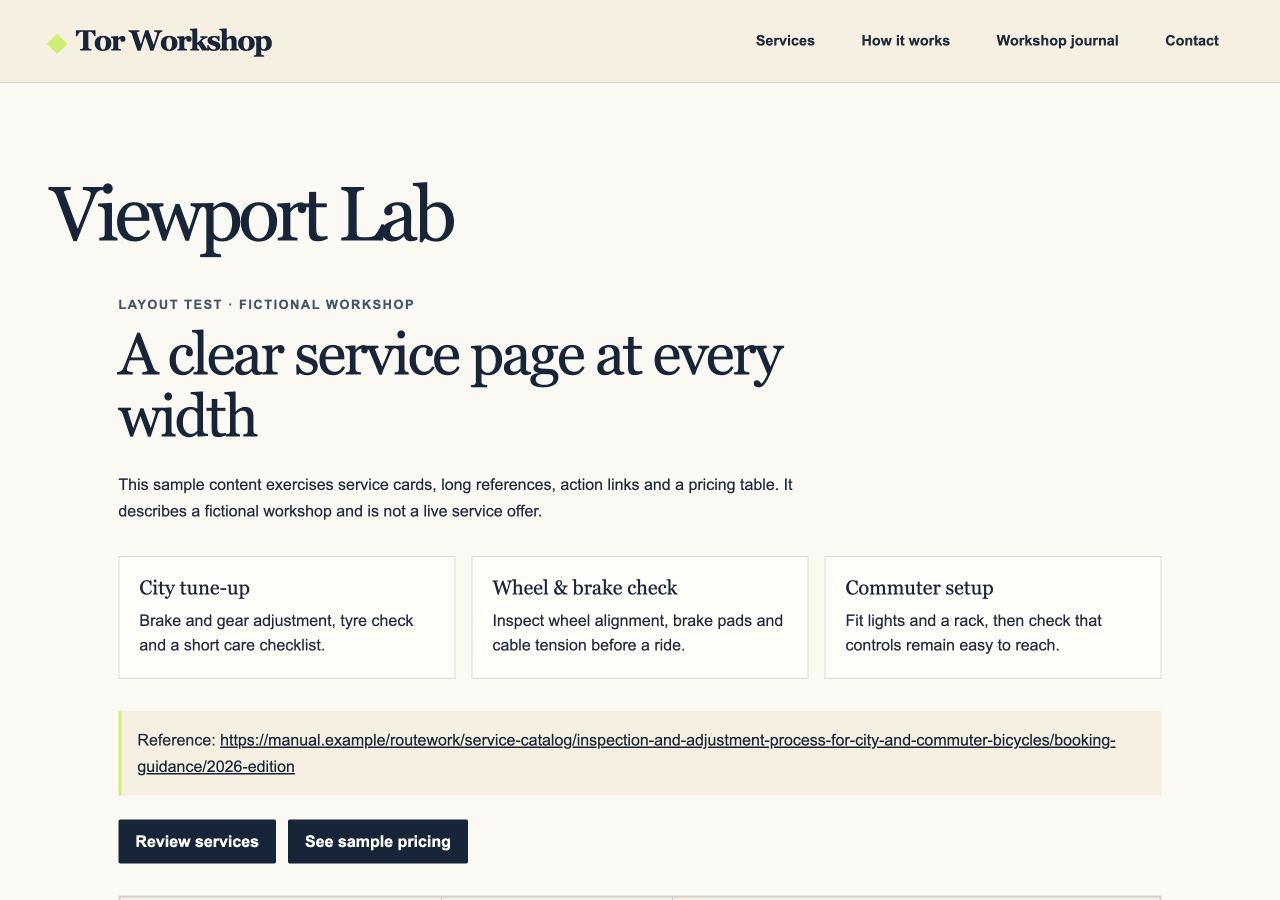
Document width
Same fixture, same 375 px viewport. Document width before and after the patch.
375 px viewport · measured locally
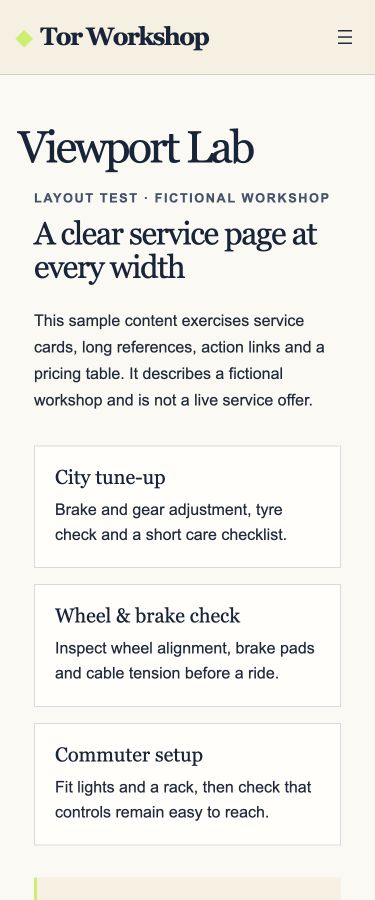
A closer look · 375 px
Switch between the real mobile captures. The before state shows the intentionally rigid fixture; the after state shows the scoped repair.
The repair
The child theme loads after Tor Workshop’s existing stylesheet. Every rule is scoped to .viewport-study; the parent theme files stay untouched.
Cards move to a minimum-width-safe grid, long text can break, actions wrap, and the pricing table scrolls within its own frame on narrow screens.
Switching back to the parent theme removes the child stylesheet and restores the fixture’s intentional baseline layout.
No document overflow at 375, 768 or 1280 px after the patch. Switching back to the parent restored the 1111 px baseline at 375 px. The table also responded to keyboard scrolling in the test browser.
Take the source
The download contains the child theme, the fictional core-block page fixture, its intentionally broken baseline stylesheet, and setup notes. It does not include a WordPress installation, database, login, or hosted backend.