01 · BLOCK THEME
Core editor building blocks
Global styles come from theme.json. Templates cover the front page, pages, posts, archives, search, and not-found view.
A LOCAL WORDPRESS BUILD · FICTIONAL BICYCLE WORKSHOP
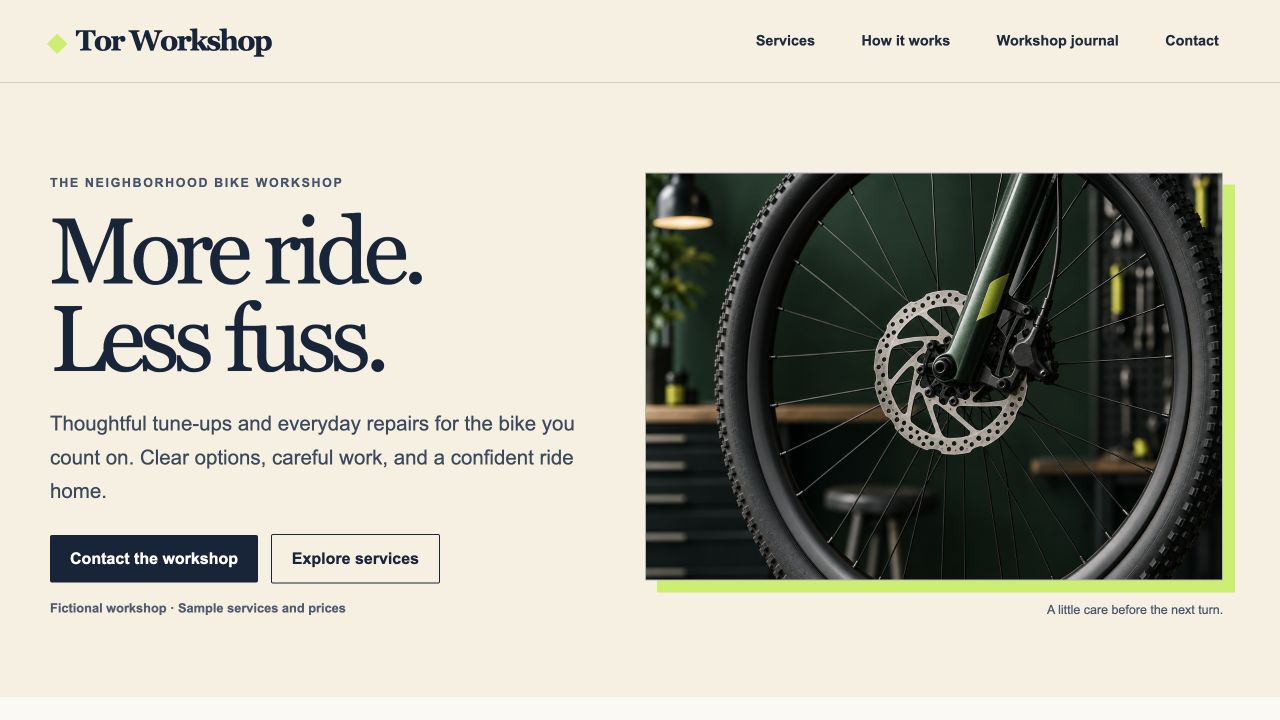
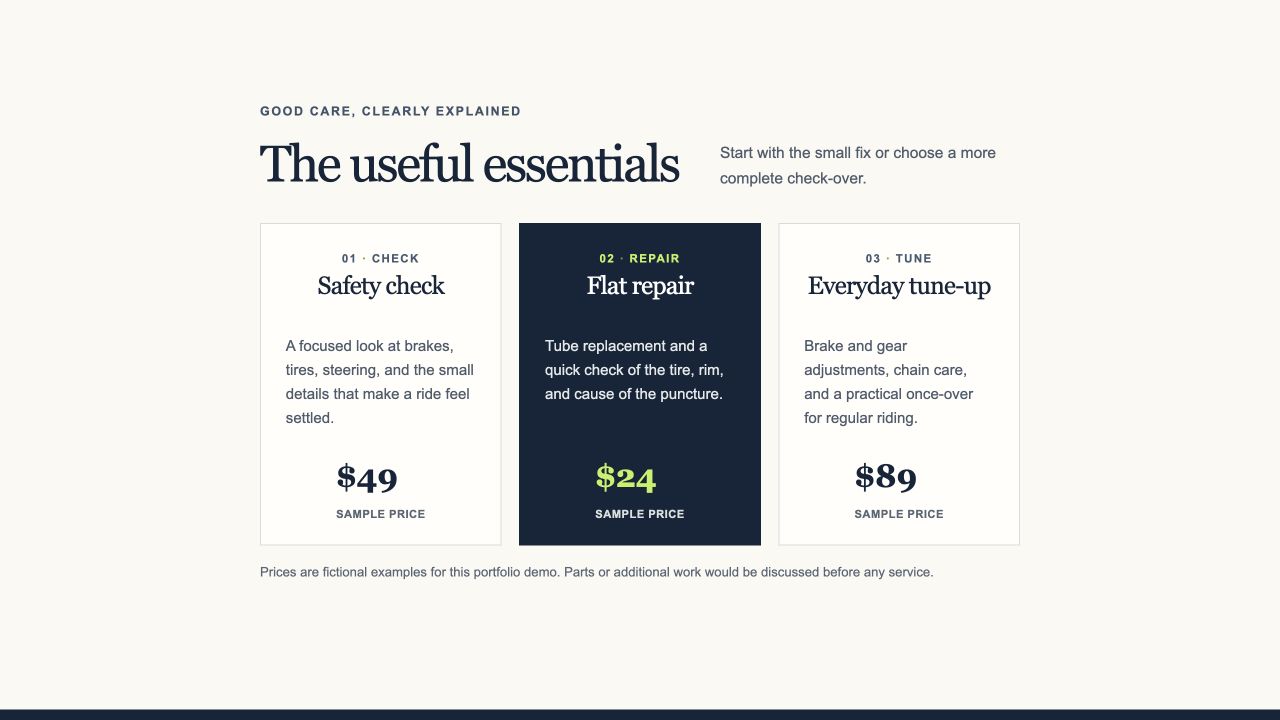
Tor Workshop is a custom block theme built around real WordPress content. The home page is made from core blocks and saved as page content, while templates handle the shared frame.
THE BUILD
The templates provide consistent navigation and layout, while the page content remains a normal editable WordPress document.
01 · BLOCK THEME
Global styles come from theme.json. Templates cover the front page, pages, posts, archives, search, and not-found view.
02 · STARTER PATTERNS
Insertable home and contact patterns use native headings, columns, buttons, details, and list blocks. Copy and sample prices are editable.
03 · LOCAL CONTENT
The theme includes reusable navigation, a journal archive, post template, a local hero image, and a clear fictional-demo footer.
LOCAL VERIFICATION
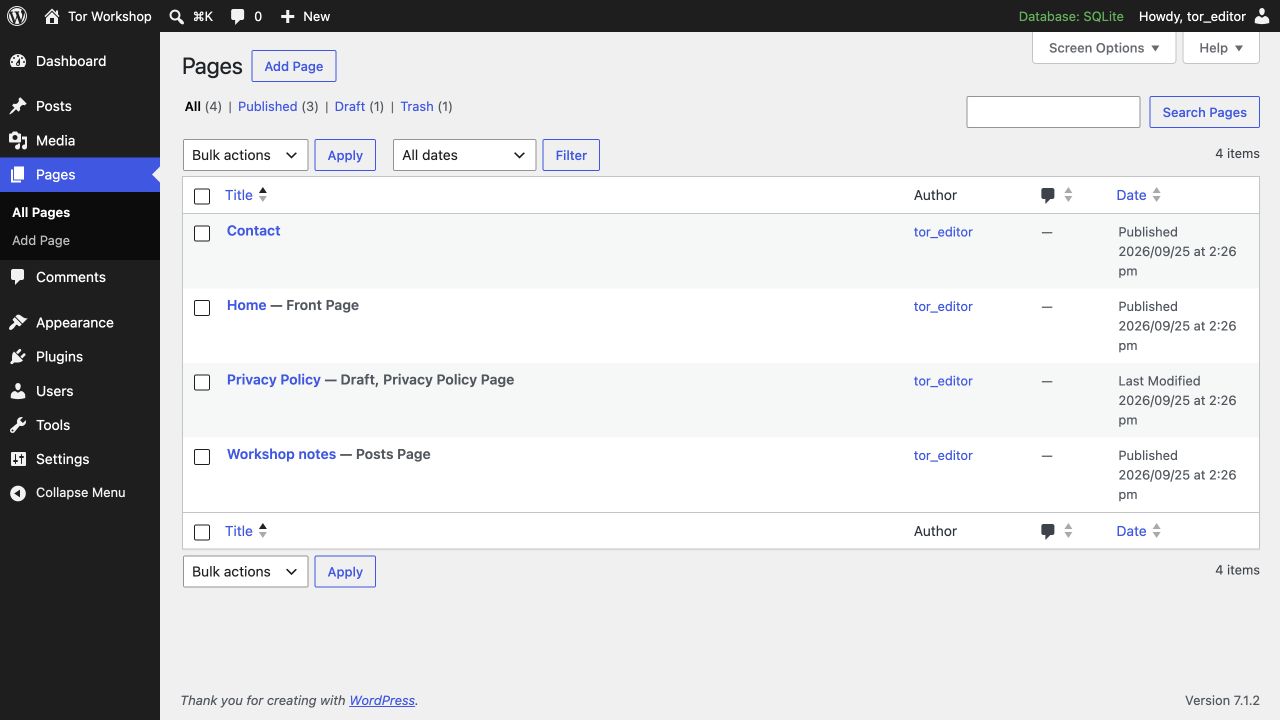
The working CMS and public case study are separate. The server, database, and admin session remain local.
USING THE THEME
The ZIP contains the theme source only; the local database, WordPress runtime, and page content are not bundled.
Upload the theme ZIP through Appearance → Themes → Add New Theme, then activate Tor Workshop.
Create Home and Contact pages. Choose the Workshop home page and Contact page patterns from the Tor Workshop category.
Choose Home as the static front page and Journal as the Posts page under Settings → Reading.
Download the GPL-2.0-or-later Tor Workshop theme package. It contains templates, patterns, styles, README, and the local concept image asset.